IBM Consulting · Application Developer Intern

Practicum

A 480-hour on-the-job training engagement with the IBM Japan Client Services Unit, spanning enterprise application development, test automation, and applied web, mobile, and AI work that connects academic foundations with real software engineering practice.

ResumePracticum Report

Engagement overview

Application Developer Intern, IBM Consulting

Assigned to the IBM Japan Client Services Unit, the practicum followed a structured training and activity plan, moving from orientation and environment setup toward active participation in enterprise development, testing, and project work using Microsoft Dynamics 365 and the Power Platform.

480 hrs

Total hours rendered

July 25, 2026

Practicum completed

Mon–Fri OJT

Schedule

Moments from the practicum

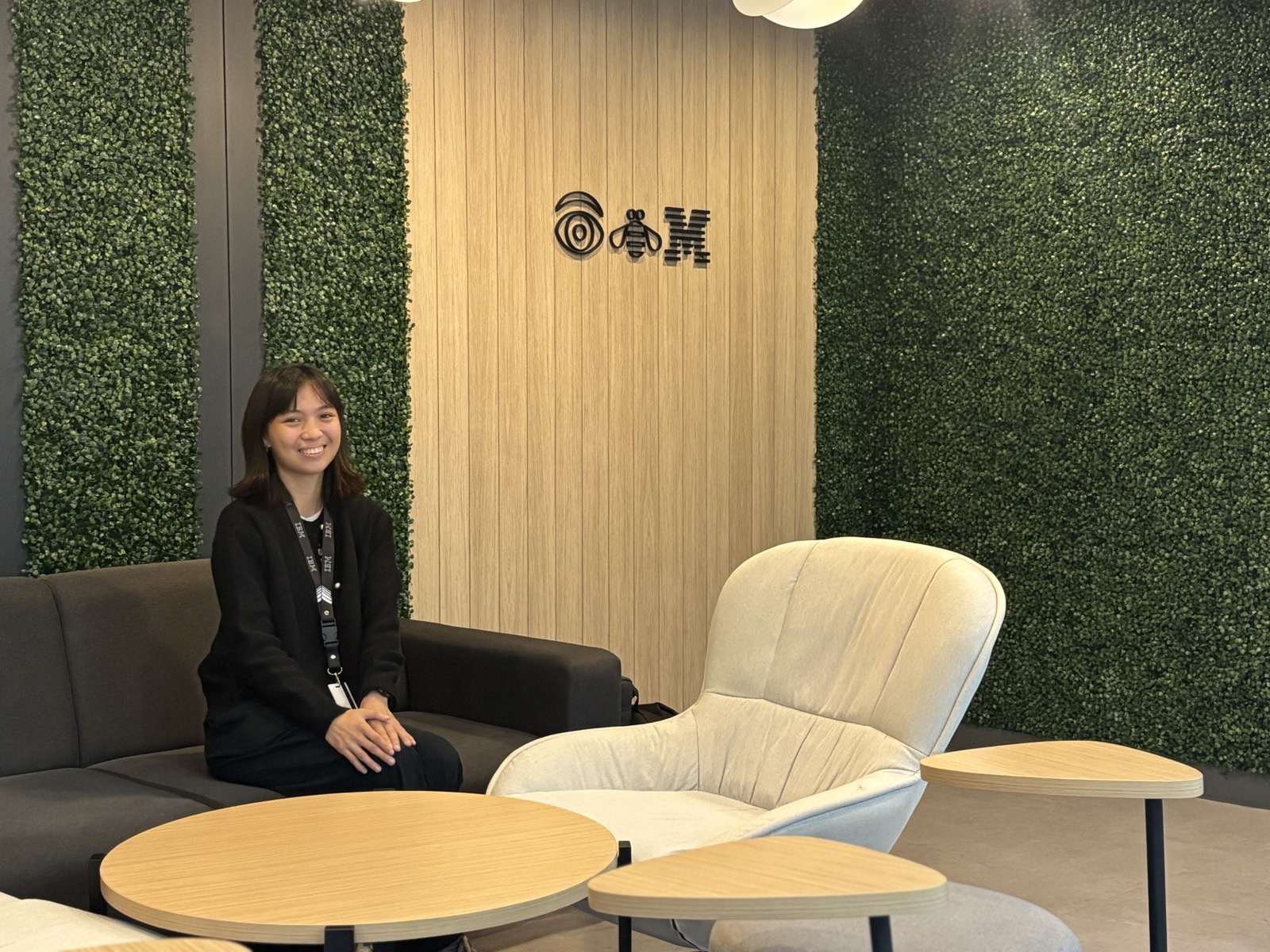
Georgette Dalen seated by the IBM logo at the IBM office
On-site at IBM
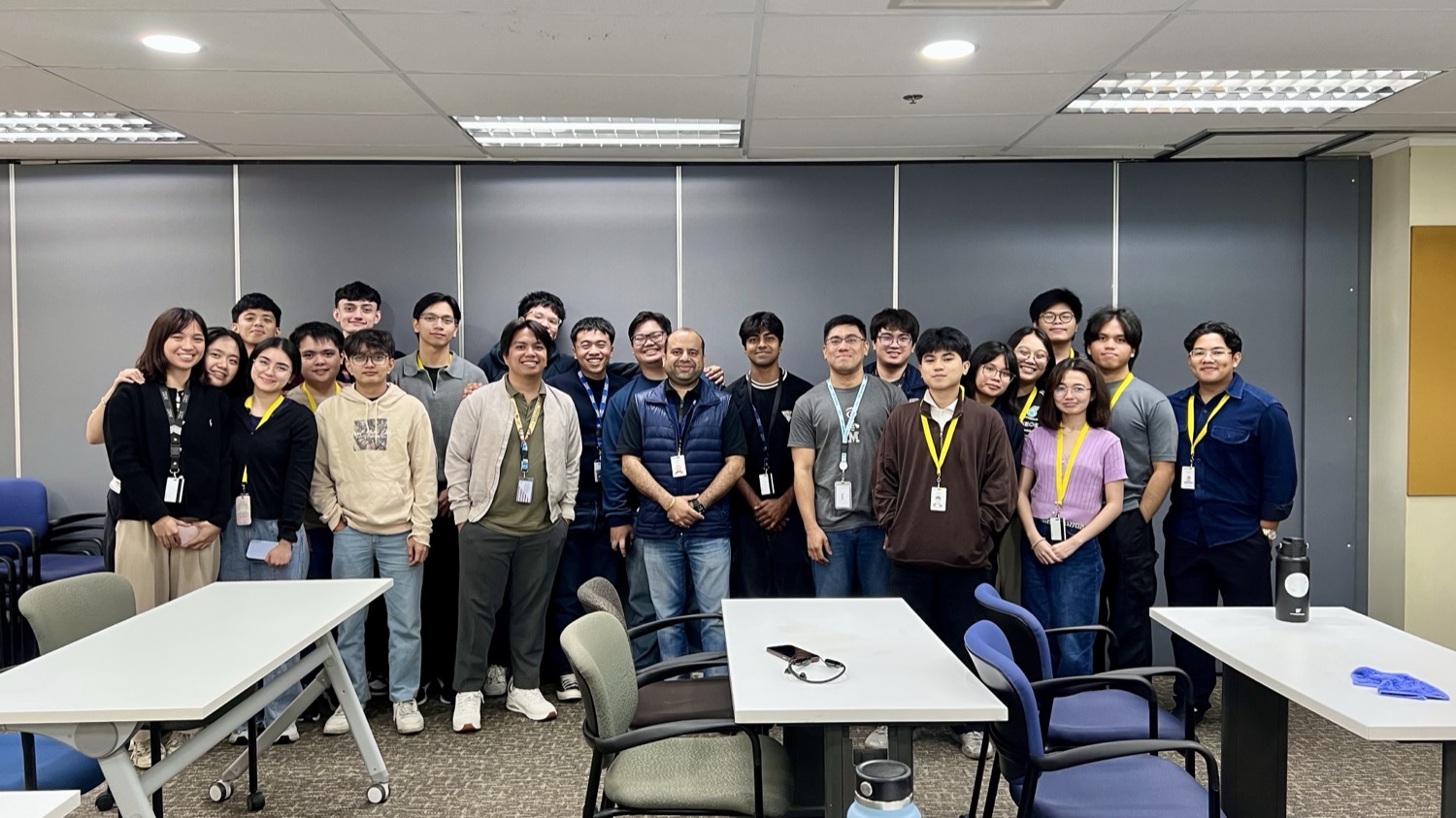
The IBM intern cohort gathered in a training room
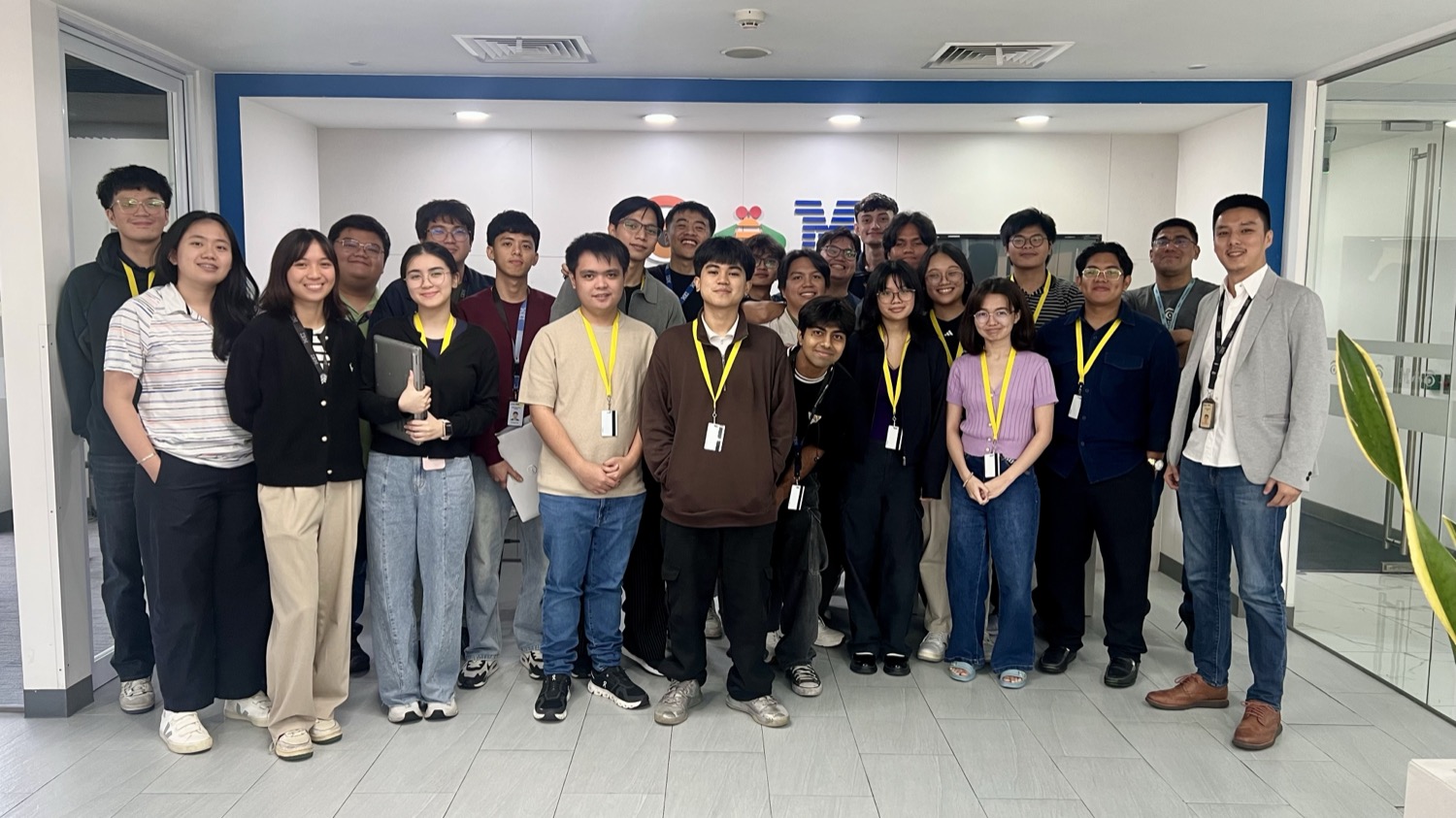
The intern cohort in front of the IBM logo wall
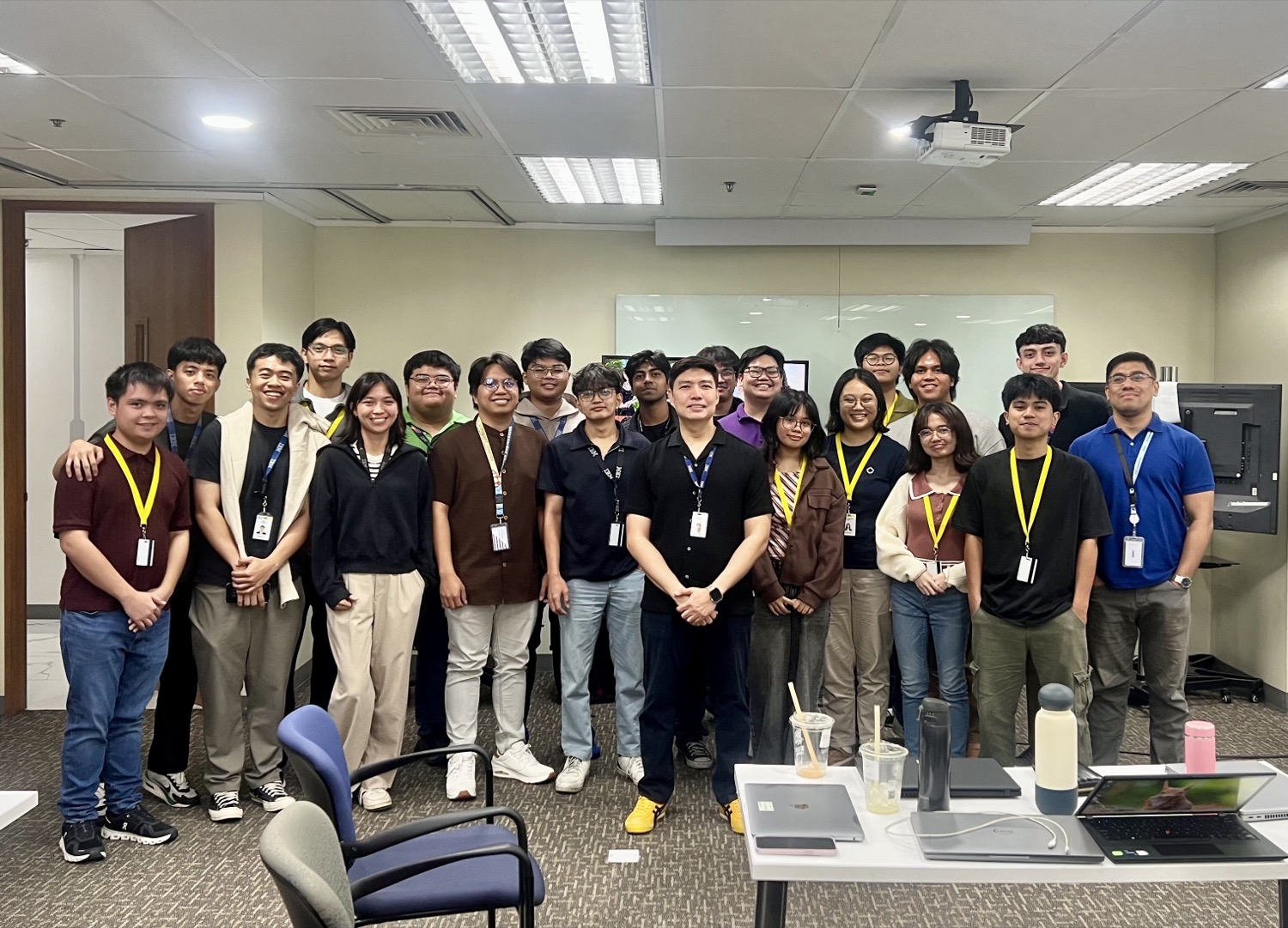
The intern cohort with their supervisor in a meeting room

On-site at the IBM office with the intern cohort during the practicum.

About the company

Company Background

Where the practicum took place and the organization behind it.

The practicum was completed at IBM Consulting, the professional-services arm of IBM, a global technology company founded in 1911 and headquartered in Armonk, New York. It helps organizations transform through an open hybrid cloud and AI strategy across the IBM portfolio, including Software and Red Hat. The student was assigned to the IBM Japan Client Services Unit (JCSU).

Founded

1911

Headquarters

Armonk, New York

Assigned unit

IBM Japan CSU

Assignments & responsibilities

Nature of Work

How the engagement was structured, from guided onboarding to active development.

As an Application Developer Intern in the IBM Japan Client Services Unit, the student followed a 480-hour OJT plan (Monday to Friday, 9:00 AM to 6:00 PM) that moved from guided onboarding into hands-on enterprise development. The work spanned Microsoft Dynamics 365 and the Power Platform, DevOps and Git workflows, testing, and support activities, reinforced by structured training in Java, Vue.js, Ionic Vue, and Japanese language.

Orientation & familiarization
Enterprise development
Structured training
Time rendered

Total Hours

A breakdown of the 480 hours across training, development, and project work, completed July 25, 2026.

480

Total hours rendered

Where the work was concentrated

Practicum Focus

The three areas the engagement centered on: enterprise application development, test automation, and the engineering foundations that supported both.

Enterprise Application Development

Configured and customized business applications with Microsoft Dynamics 365 and the Power Platform: Dataverse tables, forms, model-driven apps, business rules, and workflow automation.

Quality & Test Automation

Designed, documented, and implemented automated UI test cases for Dynamics 365 with Playwright, including a team-approved dependency-free execution approach.

Foundations & Collaboration

Strengthened core engineering skills through Java, Vue.js, and Ionic Vue training, DevOps and Git workflows, and Japanese language sessions for the Japan Client Services Unit.

Deliverables and applied learning

Key Technical Outputs

The concrete work built during the practicum, and the lesson each deliverable left behind.

01

Quality Assurance

Dynamics 365 Test Automation

One of the practicum's major technical outputs was automated UI testing for Microsoft Dynamics 365 using Playwright. The work began by exploring the existing test codebase and reworking the Excel-based test documentation into structured Markdown, from which structured test reports could be generated.

From there the focus shifted to improving the dynamic generation of test cases and building UI-based tests that could run independently, without relying on external services. The team reviewed and approved this dependency-free approach, which then carried forward into the implementation phase.

Key lesson

Reliable automation starts with clear, well-structured documentation, and tests that stand on their own, free of external dependencies, are far easier to trust and maintain.

02

Backend Logic

Dataverse Plugin Development

A second core component was custom plugin development in Microsoft Dataverse, written in C# against the IPlugin interface. Across several plugins, spanning the Create, Pre-Validation, Post-Operation, Update, Delete, Associate, and asynchronous scenarios, the work traced the full execution pipeline through its Pre-Validation, Pre-Operation, and Post-Operation stages in both synchronous and asynchronous modes.

Field changes were detected using Pre-Images and Post-Images, record associations were handled explicitly, and defensive practices such as depth checks, exception handling, and the ITracingService and IOrganizationService services kept the logic reliable and easy to debug.

Key lesson

Extending a platform safely means respecting its execution pipeline: defensive checks and tracing turn event-driven logic from fragile into dependable.

03

Configuration & Automation

Dynamics 365 Customization

Alongside the code-heavy plugins, the platform was enhanced across its low-code and no-code layers, with an emphasis on choosing the right tool for each requirement. JavaScript validation enforced secure URLs and phone-number length through OnLoad and OnChange events, while no-code business rules adjusted field requirements dynamically, for example making a phone number mandatory when the country is set to the Philippines.

Workflow automation then sent an email notification to the record owner whenever a new account was created. These techniques came together in an end-to-end scenario that combined appointment scheduling, validation logic, and automated follow-up task creation.

Key lesson

The best solution isn't always code: knowing when to reach for validation, a no-code rule, or automation is a core enterprise-development skill.

04

Environment & DevOps

Dev Environment & Git Workflow

Underpinning all of this was a complete enterprise development environment and a professional source-control workflow. VMware, Visual Studio, XrmToolBox, and the Dynamics 365 development extensions were configured, and a connection was established between the application and its SQL database.

Day-to-day work followed a Git routine of cloning repositories, branching, committing documentation and code changes, and pushing updates, then preparing pull requests and folding in review feedback.

Key lesson

A disciplined Git workflow and a properly configured environment are the quiet foundation that makes collaborative delivery possible.

Structured learning sessions

Training & Development

The guided sessions that built the technical depth and communication readiness the practicum was built on.

01

Backend Foundations

Java Enterprise Development

A series of Java training sessions strengthened the backend foundations needed for structured enterprise applications. These reinforced the core object-oriented principles of encapsulation, inheritance, polymorphism, and abstraction, along with the Collections Framework, Generics, and type-safe, reusable data structures.

The sessions then moved into enterprise territory: Unit Testing, Jakarta EE, RESTful API design, and Dependency Injection, reinforcing the habits behind clean, maintainable, and scalable code.

Key lesson

Clean, maintainable code is a habit built on fundamentals: strong OOP and testing discipline scale far better than clever shortcuts.

02

Frontend

Vue.js Web Development

Web development training focused on building modern, component-based frontend applications connected to backend services. It began with project setup, framework fundamentals, and component structure, then covered props-and-events communication, routing and navigation, and Pinia state management.

Hands-on assignments tied these pieces together through API integration and application testing, showing how a real frontend is organized and wired to its data.

Key lesson

Component-based thinking, built from small, composable pieces connected through clear state, is what keeps a growing frontend manageable.

03

Cross-Platform Mobile

Ionic Vue Mobile Development

Mobile training built on the Vue foundation to explore cross-platform application architecture and deployment. It covered the structure of an Ionic app, mobile routing, and Pinia integration, then extended into Capacitor plugin integration and local data persistence.

The final steps walked through the deployment flow and what it takes to prepare a production-ready mobile application, closing with assignment presentations.

Key lesson

Reusing web skills to ship cross-platform mobile apps shows how much architecture, not syntax, drives real productivity.

04

Language & Communication

Japanese Language Training

Selected for the Japanese Language Class for Interns under Ikebe Sensei, the training used the Marugoto Starter (A1) material in a standalone survival travel-conversation format. Each session was independent and covered a practical theme: greetings, self-introduction, family, food and ordering at a restaurant, daily eating habits, and asking for directions or using transportation.

Sessions blended listening activities, pronunciation practice, pair and group role-play, and participant presentations, complemented by HouRenSou reporting-and-consulting practice to build communication readiness for the Japan Client Services Unit.

Key lesson

Technical skill travels further when paired with communication: HouRenSou and cultural awareness matter as much as the code itself.

Capstone Project

Project Brain

A system for project knowledge management, document intelligence, and project handoff support. It turns scattered requirement docs, notes, and test files into structured, searchable project intelligence, combining deterministic, rule-based logic with AI only where semantic understanding adds real value.

What it does

Extracts structured requirements and test cases from uploaded documents
Generates traceability links and detects coverage gaps with source citations
AI assistant grounded in stored project data for project questions
Handoff summaries and conflict detection across project records

Asynchronous 5-step analysis pipeline

1Text extraction
2Requirement extraction
3Test case extraction
4Conflict analysis
5Gap analysis

Technology stack

Vue 3
Vite
TypeScript
Java 17
Spring Boot
PostgreSQL
Embeddings / Vector Search
Learnings & takeaways

Takeaways

Enterprise software development blends technical expertise with collaboration, documentation, testing, and process. The practicum reinforced that building real systems is a team effort grounded in continuous learning and adaptability, and that the strongest engineers pair technical depth with clear communication. These are the skills the experience left behind.

01

Enterprise application development with Dynamics 365 & Power Platform

Learned how large-scale business applications are modeled, customized, and connected, working with Dataverse tables, model-driven apps, business rules, and workflow automation across the Power Platform.

02

Automated testing and quality assurance workflows

Built and documented automated UI test cases with Playwright, seeing firsthand how quality assurance and dependency-free test design keep client-facing workflows reliable and repeatable.

03

Full-stack development across Java, Vue.js, and Ionic Vue

Strengthened both ends of the stack: from Java enterprise patterns and REST APIs to component-based Vue interfaces and cross-platform Ionic mobile apps.

04

DevOps practices and collaborative Git workflows

Adopted a professional source-control routine of branching, commits, and pull requests, working within a structured DevOps flow alongside the wider team.

05

Documentation, communication, and cross-cultural teamwork

Practiced clear documentation and workplace communication, including Japanese language and HouRenSou sessions that supported collaboration within the Japan Client Services Unit.

Reflections from the engagement

Realizations

What the experience revealed about building software inside a real, professional organization.

Beyond the tools and deliverables, the practicum left a set of lasting impressions about what it really means to build software inside a professional organization.

Engineering is more than writing code

Working across plugins, automation, and test cases made it clear that enterprise development is as much about process, documentation, and testing as it is about logic. Every task only mattered because it solved a real organizational problem, so understanding the business context behind a solution proved just as important as the implementation itself.

Growth depends on adaptability

Being handed unfamiliar tools was a constant, and the ones that felt intimidating at first became manageable through initiative and patience. Learning to move forward independently while knowing when to ask for guidance reframed growth as an ongoing discipline rather than a destination to reach.

Teams build what individuals cannot

Delivering inside a structured team showed how much communication, feedback, and coordination shape an outcome. Clear documentation and organized workflows were never overhead; they were what let other people understand, trust, and build on the work.

The field never stops moving

Exposure to AI tools and innovation activities was a reminder that the ground is always shifting. Rather than something to be wary of, that pace became a reason to stay curious and to keep a forward-looking view of where technology, and its role in business, is heading.